&
& 

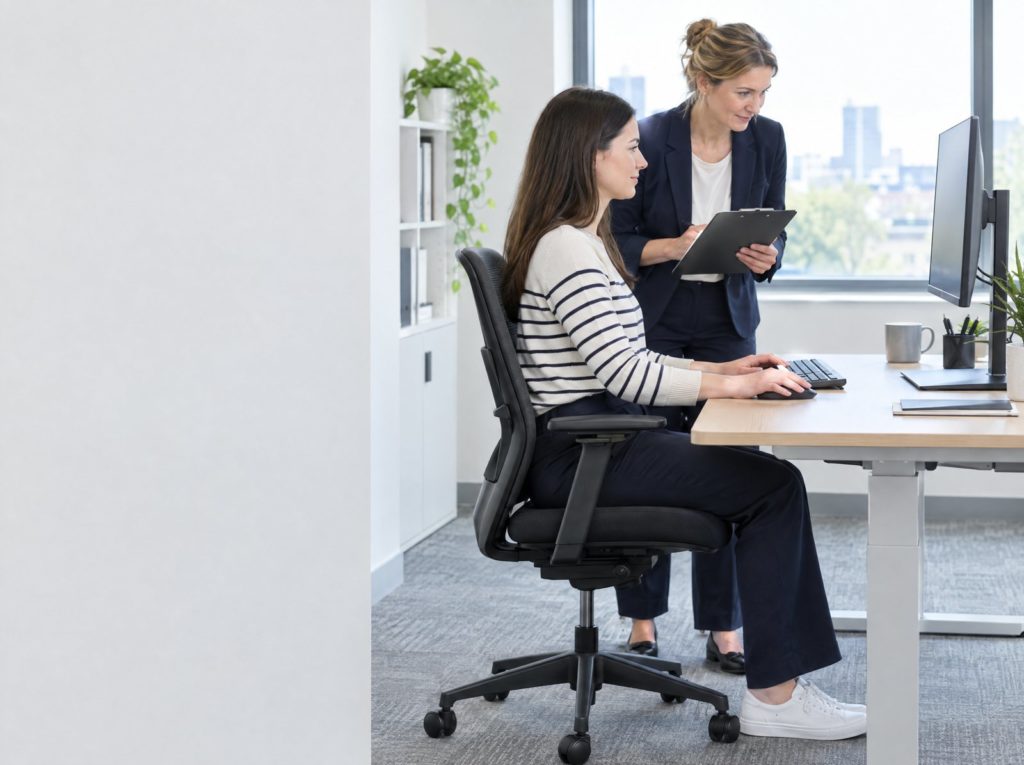
The Health and Safety (Display Screen Equipment) Regulations 1992, amended in 2002, protect people who use screens as a significant part of their work. That includes desktop computers, laptops, tablets and smartphones. Poorly set up workstations and long spells at a screen can cause neck, shoulder, back and arm pain, eye strain, fatigue and stress.
Who is a DSE user?
The regulations apply to “users”: workers who habitually use DSE as a significant part of their normal work. In practice, HSE says this usually means people who use a screen daily for continuous spells of an hour or more. They apply wherever the user works, including at home. They do not apply to people who use a screen only occasionally.
What employers must do
| Regulation | Duty |
|---|---|
| 2 | Assess the risks at each user’s workstation and reduce them to the lowest extent reasonably practicable. Review the assessment when things change. |
| 3 | Make sure workstations meet the minimum requirements in the Schedule, covering the screen, keyboard, desk, chair, space, lighting, glare, noise, heat and software. |
| 4 | Plan work so users have breaks or changes of activity. |
| 5 | Provide an eye and eyesight test on request, and pay for basic glasses if they are needed specifically for screen work. |
| 6 | Give health and safety training on using the workstation safely. |
| 7 | Give users information about the risks and the measures taken. |
Breaks
The law does not set break lengths. HSE advises that short, frequent breaks are better than longer, less frequent ones, for example 5 to 10 minutes after 50 to 60 minutes of continuous screen work. A change of activity, such as filing or phone calls, counts. Ideally users should have some say over when they take them.
Home workers and laptops
Home workers who are DSE users are covered. Employers can use a self-assessment checklist and should provide equipment where it is needed, such as a separate keyboard, mouse and raised screen for anyone using a laptop for long periods. Our guide to lone working covers other home working risks.
Setting up a workstation
- Top of the screen roughly at eye level, about an arm’s length away
- Chair adjusted so feet are flat on the floor or a footrest, thighs roughly horizontal
- Forearms roughly horizontal, wrists straight when typing
- Screen positioned to avoid glare from windows and lights
- Enough desk space to rest the hands and wrists in front of the keyboard
The ACoP and official guidance
| Publication | Status | What it covers |
|---|---|---|
| L26 Work with display screen equipment (2nd edition, 2003) | Guidance on Regulations, not an ACoP | Who is a user, assessments, workstation requirements, breaks, eye tests and training. |
An Approved Code of Practice (ACoP) has special legal status under section 16 of the Health and Safety at Work Act. If you are prosecuted and did not follow it, you must show that you met the law in some other way that was just as good. Guidance on Regulations has no special legal status, but inspectors refer to it and following it is normally enough to comply. Our guide to UK health and safety legislation lists every law and its ACoP or guidance in one place.
Training that helps
Our DSE eLearning trains users, and DSE workstation assessment eLearning prepares assessors. Managers can build DSE into wider risk management with IOSH Managing Safely.
Frequently asked questions
Is a DSE assessment a legal requirement?
Yes, for every user’s workstation, under regulation 2 of the DSE Regulations.
Do employers have to pay for glasses?
Only for basic glasses needed specifically for screen work, after an eye test shows they are needed. Glasses needed for normal use are the employee’s responsibility.
Do the DSE Regulations apply to home workers?
Yes, if the person is a DSE user, wherever they work.
How long should DSE breaks be?
The law does not say. HSE suggests short, frequent breaks, such as 5 to 10 minutes after 50 to 60 minutes of continuous screen work.
Read the source
The Health and Safety (Display Screen Equipment) Regulations 1992, as amended by the Health and Safety (Miscellaneous Amendments) Regulations 2002; HSE L26, Work with display screen equipment; and HSE guidance on working safely with DSE. Facts checked on 7 October 2026.
Find a date that works
Every course, every centre, with live availability and prices.
On your site or ours, and group rates on request.