
 &
& 

Home Working Health and Safety eLearning
Online home working health and safety training, because the employer's duties follow the employee home, and a kitchen table is not a workstation.
Who it is for
Who this home working health and safety course is for
Hybrid and home working moved a large part of the workforce into premises the employer has never seen. The duties did not move with them. They simply became harder to discharge, which is why self-assessment and training carry the weight.
- Home and hybrid workers
- Line managers of remote teams
- HR teams writing home working policies
- Health and safety representatives
- Small businesses with remote staff
- Anyone setting up a home workspace
Course content
What the home working health and safety course covers
Six short modules covering the practical setup, the electrical and fire basics, and the isolation risks people do not think of as safety issues.
Duties at home
What the employer remains responsible for, and what the homeworker must do.
The workspace
Choosing a space, and why the sofa and the kitchen table cause problems.
Workstation setup
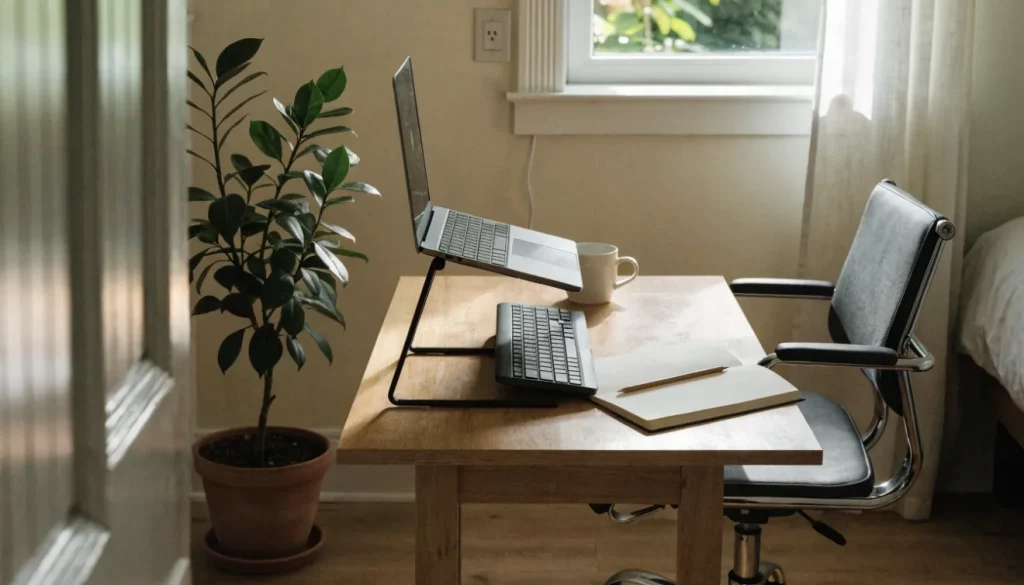
Chair, screen, keyboard and lighting, and cheap fixes for a laptop.
Electrical and fire safety
Sockets, extension leads, smoke alarms and escape routes at home.
Breaks, movement and boundaries
Working hours, breaks and the blurring of work and home.
Isolation and reporting
Staying connected, spotting when someone is struggling, and reporting incidents at home.
Outcomes
What you will be able to do afterwards
- Explain which duties still apply when working from home
- Choose and set up a suitable workspace
- Adjust a laptop setup to reduce strain
- Check electrical and fire safety basics at home
- Take breaks and maintain boundaries between work and home
- Report an accident or a concern that happens at home
Your legal duty
The law behind home working health and safety training
The Health and Safety at Work etc. Act 1974 requires employers to ensure the health, safety and welfare of employees at work so far as is reasonably practicable, and that duty follows the employee wherever the work is done. The Management of Health and Safety at Work Regulations 1999 require the risks to be assessed, including for home workers.
Where a home worker is a display screen equipment user, the Health and Safety (Display Screen Equipment) Regulations 1992 apply at home too, which is why self-assessment is how most employers manage a workstation they cannot visit.
- Health and Safety at Work etc. Act 1974 - the duty follows the work, not the building
- Management of Health and Safety at Work Regulations 1999 - risk assessment for home workers
- Health and Safety (Display Screen Equipment) Regulations 1992 - where the home worker is a DSE user
- Employers cannot inspect a home the way they inspect a site, so self-assessment carries the weight
Practicalities
How the course works
For employers
Home Working Health and Safety training for a team
Home working duties are hard to evidence. Training plus a completed self-assessment for each person is how most employers close that gap.
- One invoice instead of a card payment per person
- Licences allocated as people join, so induction is covered
- Completion and expiry reporting for your records
- Renewal reminders before certificates lapse
- Bespoke versions built around your own procedures
Home workers who use screens need the full DSE course and a self-assessment. See the DSE course →
Home Working Health and Safety eLearning: common questions
Yes. The duty attaches to the work, not the building. What changes is how the employer discharges it, which is why training and self-assessment matter more than inspection.
Not without your agreement, which is precisely why self-assessment is the normal approach. The course explains what a home worker is expected to check and report.
Where equipment is needed to work safely, it is generally the employer's responsibility to provide it. The specifics depend on your own policy and contract.
It should be reported like any other work accident. Depending on what happened it may be reportable under RIDDOR. The course covers the reporting route.
About 30 minutes, with no time limit. Start it, pause it, and come back whenever suits. The certificate is issued the moment you finish.
Yes. It runs in a browser on any modern phone, tablet or computer, with nothing to install.
Yes. Open a business account and we invoice you for the licences, which you allocate as people need them, with completion reporting included.
Related